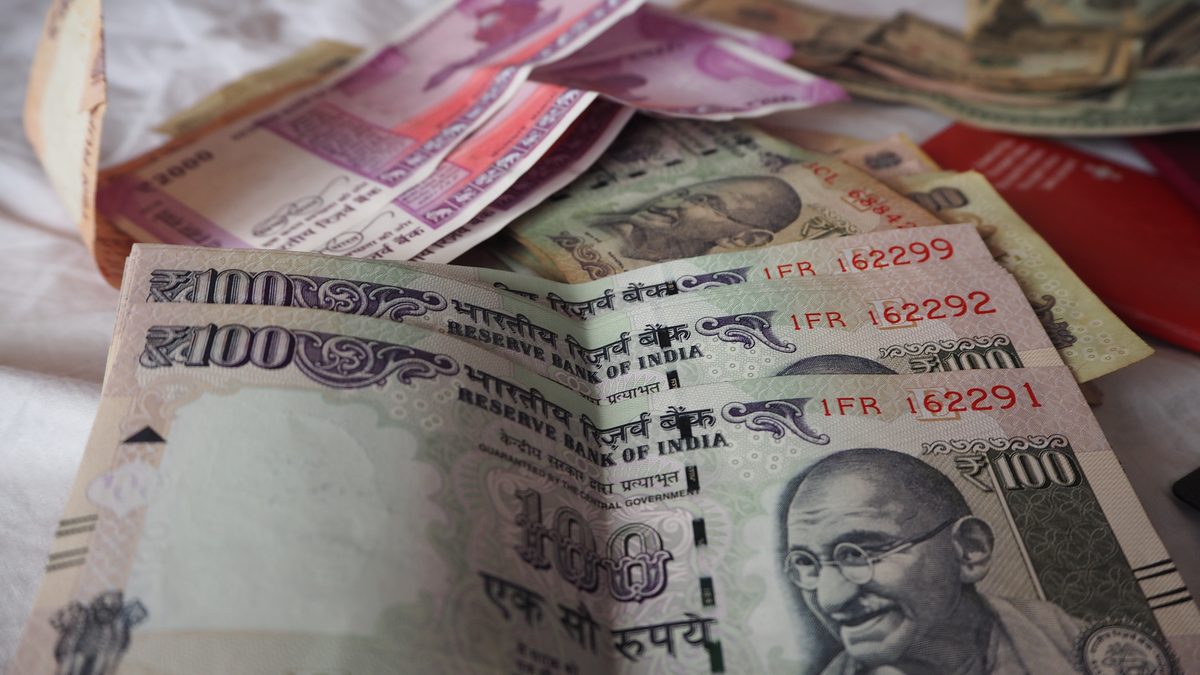
Photo: Monito - Money Transfer Comparison, CC BY 2.0, via Wikimedia Commons.
If your clinic runs its own WhatsApp Business Platform account and pays Meta in a currency other than rupees, you have until 31 December 2026 to move that account to rupees. If you miss the date, your appointment reminders and recall messages stop going out on 1 January 2027.
This article covers who the rule applies to, what the switch involves, and what to ask your provider if someone else runs the account for you. It quotes Meta's own documentation, read on 13 October 2026.
Meta's WhatsApp pricing page (last updated 30 September 2026) has a section on billing localisation for India. It says rupee billing launched on 1 January 2026 for Solution Providers and directly integrated businesses whose The country of the business Meta bills, as recorded in Meta's Billing Hub. If Meta invoices your clinic and that country is India, the rule applies to you. is India in Billing Hub. Meta calls these "eligible customers", and it gives them one instruction:
The same page explains why this is a migration and not a settings change. A Messaging account's currency is chosen when the account is created, and "once selected, a currency cannot be changed". Moving to rupees means creating a new Messaging account in INR and moving your work onto it.
It depends on who Meta sends the bill to.
If you are not sure which of these describes you, the first question in the list further down will settle it.
Meta's Currency Migration API guide (last updated 23 June 2026) describes the process. The pricing page says the API has been available since 1 June 2026. It is a developer task: it needs admin access to the Messaging account and an access token with WhatsApp management and messaging permissions.
In plain terms, this is what happens:
Two details matter for timing. Templates created on the old account after the migration starts are not copied, and template status and category are locked until it finishes. Meta also says how long it takes "varies depending on the number of templates and assets". So do not start in the middle of a recall campaign, and do not start in the last week of December.
One group cannot use the API at all. Meta's guide says A setup where a number already used on the WhatsApp Business app is also connected to the Platform, so it keeps working on the phone. It is set up through a provider. Messaging accounts are not eligible for migration through it. The guide does not say how those accounts move instead. If you kept your Business app number when you joined the Platform, your provider set that up, so ask them how they will handle it.
From 13 October there are 79 days to the deadline. A plan that does not depend on the last week:
No. Meta's migration guide says business phone numbers belong to the WhatsApp account hierarchy and are not migrated. The new INR Messaging account is linked to the same hierarchy, so the clinic number stays the same.
Meta's pricing page says that from 1 January 2027 it will no longer deliver the messages of non-INR Messaging accounts of eligible customers. Reminders, recall messages and replies sent from that account would stop going out.
No. The deadline applies to Messaging accounts on the WhatsApp Business Platform, which Meta bills per message. The free Business app on a phone is not billed that way, so there is nothing to migrate.
This is the part where we describe our own product, so read it as that.
Dentomate holds one WhatsApp Business Platform account and every clinic sends through it. Meta bills Dentomate, not the clinic, so a clinic on Dentomate has no Messaging account of its own, no payment method with Meta and no currency to migrate. Each clinic can send up to 1,000 WhatsApp messages a month. Appointment reminders are on Starter (₹399/mo) and Pro (₹799/mo). Recall campaigns are two every 30 days on Starter and unlimited on Pro. The Free plan sends neither. Details are on the pricing page.
The trade-off is the same as always: messages come from Dentomate's WhatsApp number, not your clinic's. If your own number matters more to you than skipping the Meta paperwork, keep your own account, and put the 31 December date in the diary.
No Meta developer setup, no payment method with Meta, no currency migration. Start on the free plan and upgrade when you want to send.

.jpg)